
Clarity for the whole team.
Assign permissions for each server and task. Members use the tools they have been given, while operational history stays available.
Team and permissionsGAdmin Cloud is a browser-based DayZ server administration workspace for server owners and admin teams, with live maps, player management and scheduled server routines.
New to GAdmin? Create an account
Maps, player profiles and schedules belong to the same server. Less searching, clearer daily operations.
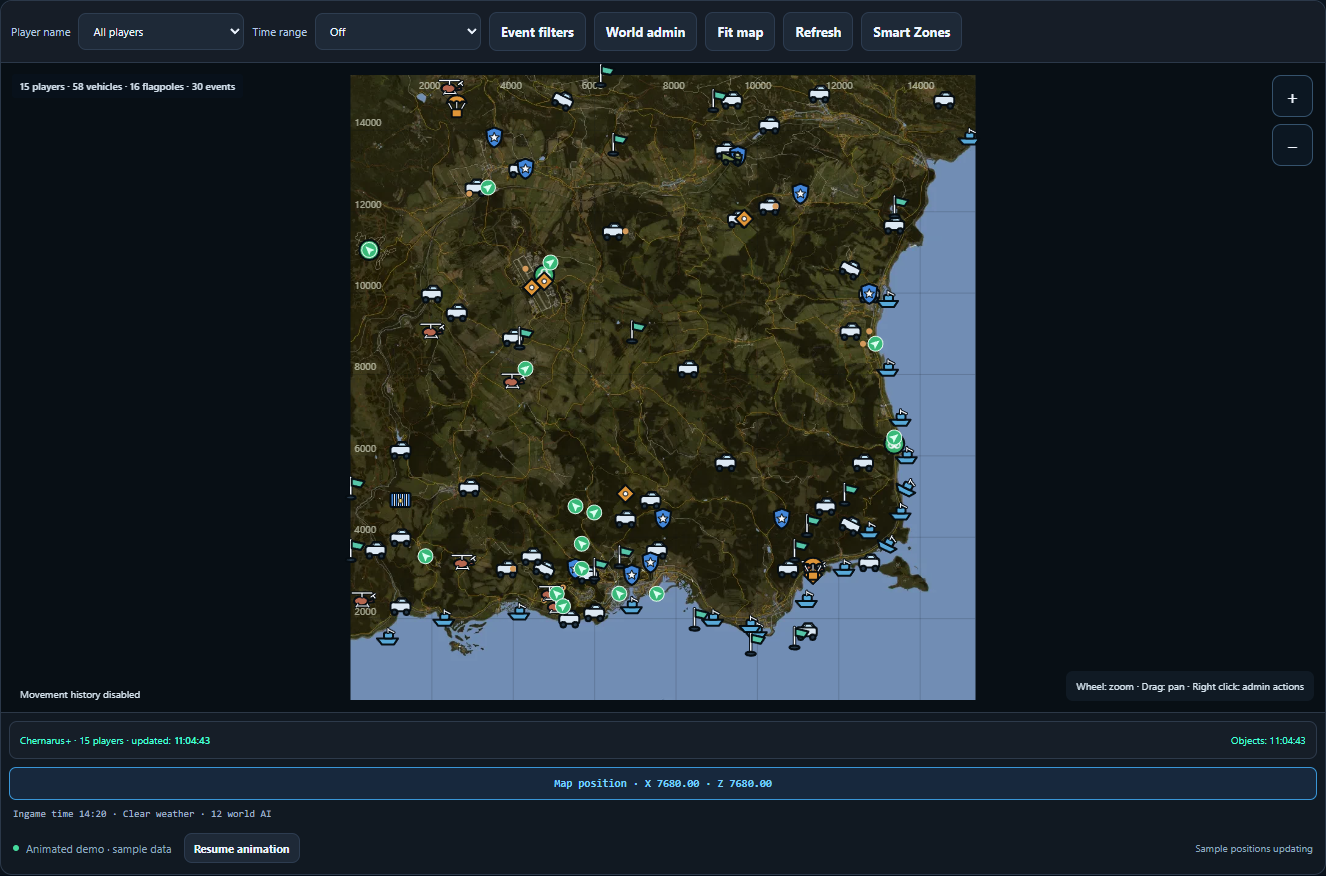
Follow players, vehicles and supported world events. Open player details where the action happens.
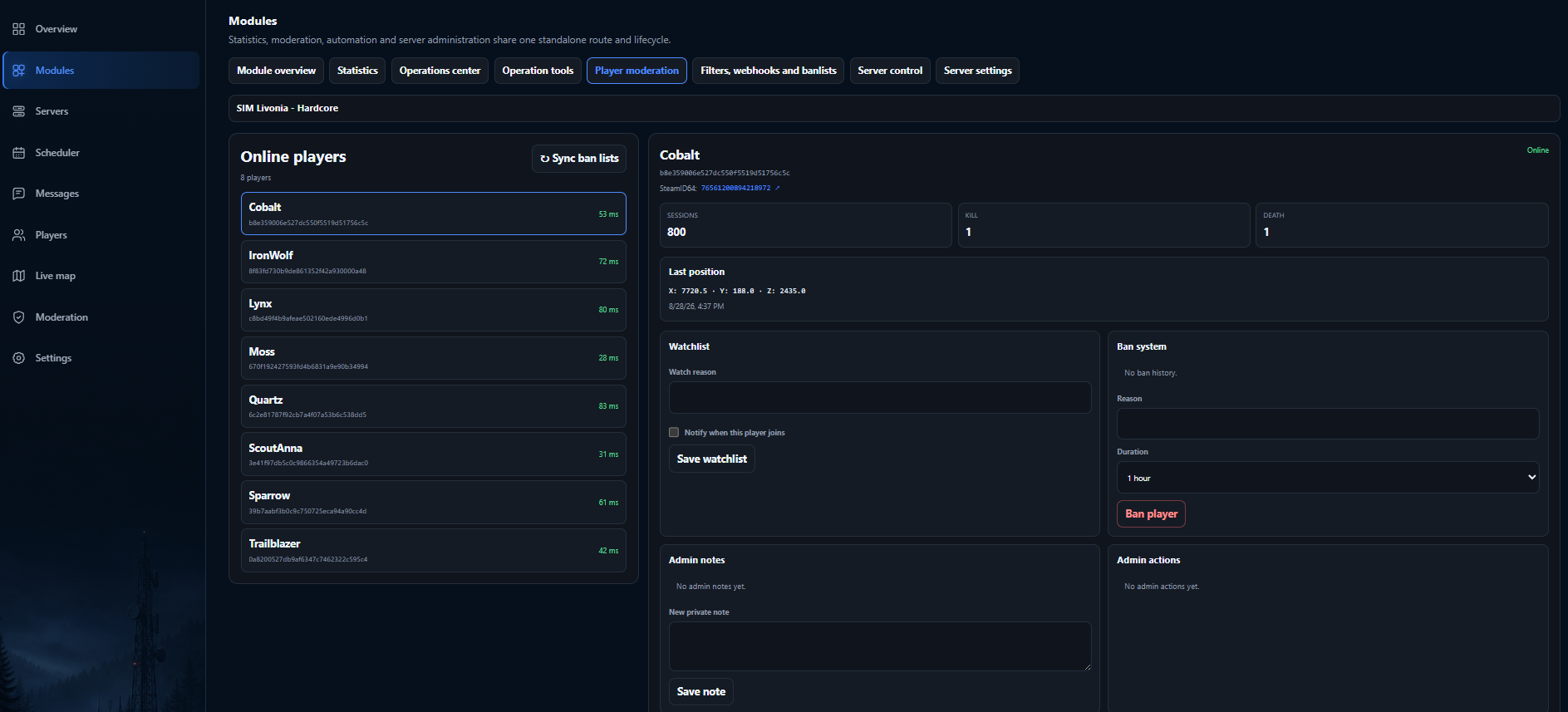
Aliases, sessions, statistics and moderation history help you understand the player before making a decision.
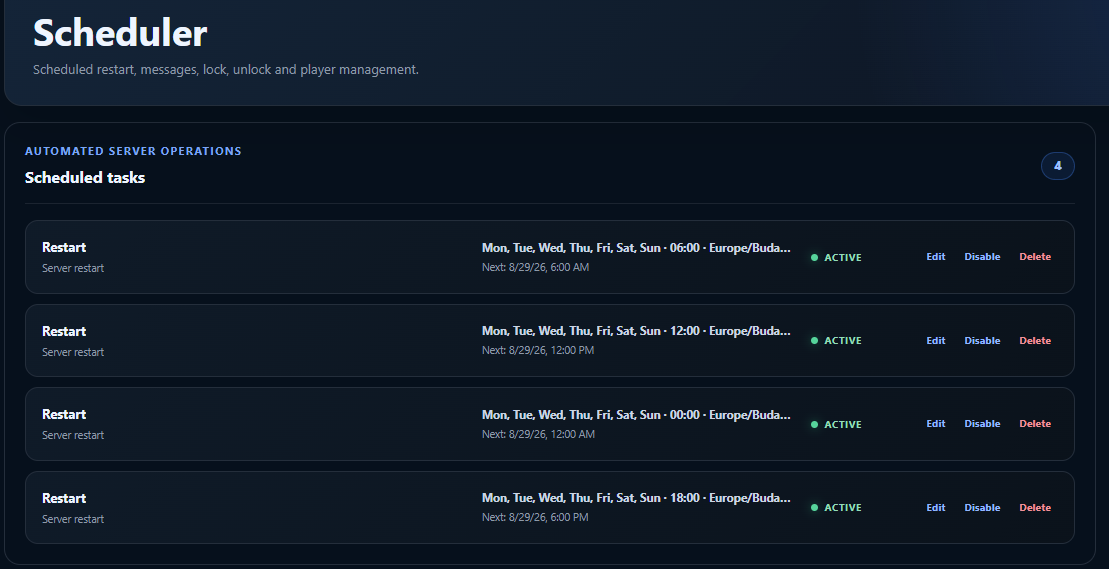
Plan restarts and messages. See the next run and check how the execution turned out.
Assign permissions for each server and task. Members use the tools they have been given, while operational history stays available.
Team and permissionsSaved locations, equipment kits and messages make recurring tasks quicker. Inspect the intended target and the execution result.
Operation toolsEvent-driven Discord notifications and scheduled leaderboard messages connect server operations with your community.
Discord and webhooksFeature availability depends on your plan, server permissions and the capabilities reported by the connected Agent or integration.
Enter the endpoint and ports, then validate the Query and RCON connections.
Pair the server-side Agent with the identifier and key generated for that server.
Inspect live status, configure routines and assign your team’s permissions.
Setup, usage, permissions and limits — in the complete portal documentation, with its familiar structure.
Open the documentationJoin the GAdmin Discord. Talk to other server operators and ask your questions.
Join the DiscordPlayer positions, vehicles, map layers and data freshness.
Player history, moderation, permissions and action results.
Server setup, Query and RCON validation, and connection errors.
Scheduled restarts, warnings, messages and execution results.
Server operations, players and daily tasks in one clear portal.