
Live server map
Follow players, vehicles and map-specific world events on supported official and configured custom DayZ maps while live activity stays nearby.
Explore the live map →Run DayZ operations from one calm, focused workspace. See the live world, understand player context, automate routine work and act without juggling disconnected tools.
GAdmin brings the tools around your DayZ server into one consistent interface, so everyday administration takes fewer tabs, fewer guesses and fewer repeated steps.
Follow players, vehicles and map-specific world events on supported official and configured custom DayZ maps while live activity stays nearby.
Explore the live map →Review player history, aliases, notes, watchlists and moderation state before making a decision.
See server management →Use purpose-built operations instead of exposing a general raw console to every portal user.
Understand remote admin →Plan recurring restarts, server messages and supported actions with visible state and next-run timing.
Automate routine work →Send private or global messages at the moments that matter and review recent delivery outcomes.
Read the messaging guide →Keep permissions, operational history and server context together as your administration team grows.
Review moderation workflows →A live operational map turns coordinates and events into something your team can understand at a glance. Select a player, keep activity in view and make better-informed decisions.
Use the practical guides to connect a server, pair the GAdmin Agent, understand every portal module and configure templates without exposing server secrets.
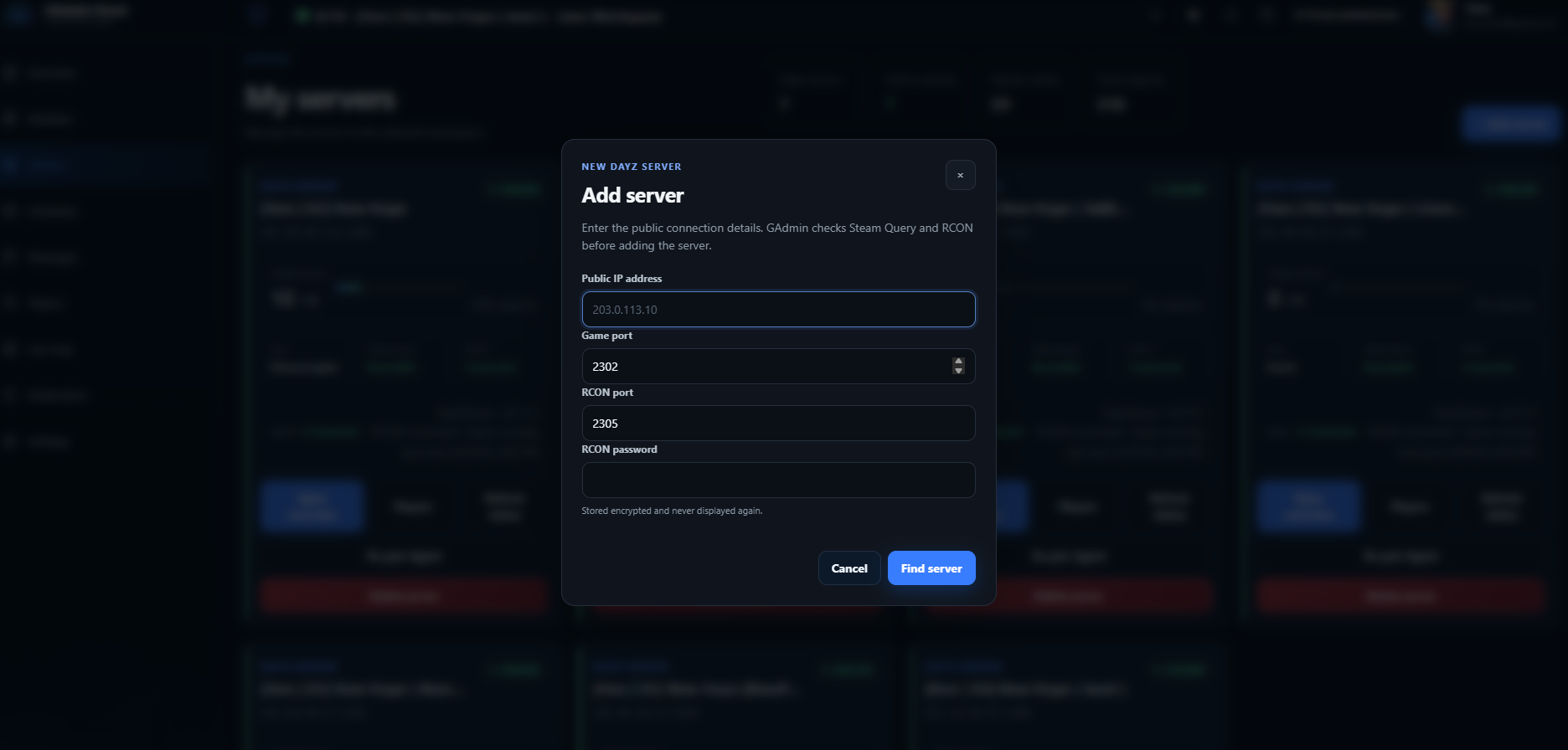
GAdmin validates the connection first, then adds deeper live context through the GAdmin Agent paired with your server environment. The same workflow applies to self-managed servers and supported hosting providers.
Provide the public endpoint and RCON details. GAdmin checks Steam Query and RCON before saving the connection.
Pair the server-side Agent using the GAS- Server ID and gak_ API key generated by the portal.
Use live player context, the map, saved operations, schedules and messages from the browser.
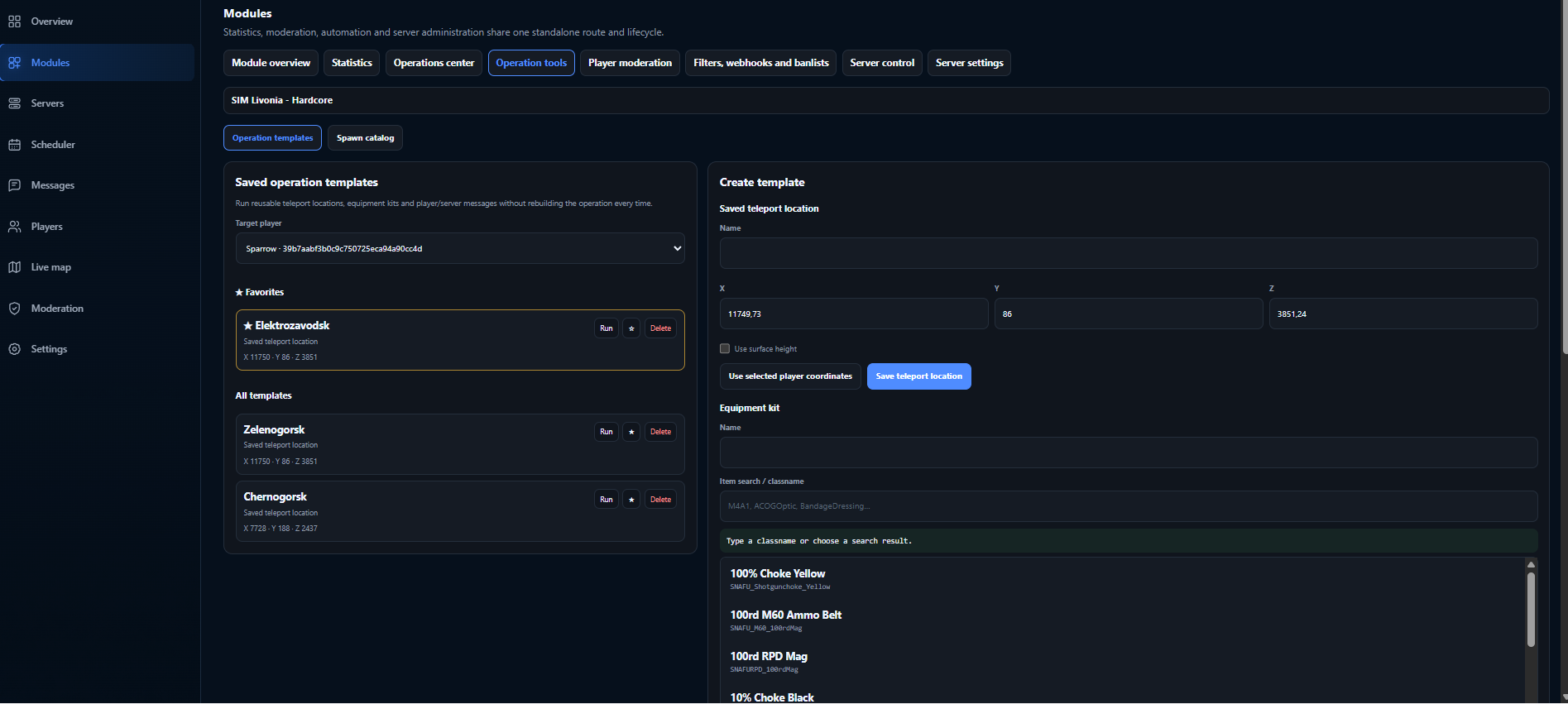
Turn frequent administration tasks into clear schedules and reusable operations. Your team sees what is active, what runs next and where to make a change.
Server administration feels simpler when the map, the player context and the action all live in the same place.
That is the operating principle behind GAdmin Cloud.
Create a workspace, connect your server and follow the guided setup. If you want to look around first, the public demo uses sample operational data and requires no sign-in.